

The screen will prompt you to enter the SIM PIN. Enter the PIN and press enter. Immediately eject the SIM tray.
The Vivo Y52 5G runs on Funtouch OS, built on top of Android. The device is powered by a MediaTek Dimensity 700 chipset. Security patches update the device's software vulnerabilities, meaning that "patched" firmware explicitly closes common exploits used by older bypass tools.
To bypass Google verification (FRP lock) on a patched Vivo Y52 5G, the most effective modern method (as of May 2026) involves accessing the to install an activity launcher , bypassing the standard "Settings Not Opening" restriction found in newer security patches. Understanding the Patched FRP Lock
is often more reliable. You must install universal MTK drivers, connect the device while holding both volume buttons, and use the "Erase FRP" function. Android Setup exploit: Some methods specifically target the ".Deferred Setup Activity"
Bypassing Google verification—also known as Factory Reset Protection (FRP)—on the
Method 1: The Modern "No-PC" Backup & Share Workflow (Most Popular)
: Disabling access to engineers' menus or ADB (Android Debug Bridge) toggles via the emergency call screen. Standard Methods to Recover Access
Official FRP unlocking (requires proof of purchase), software updates, and hardware repairs. Multi-Brand Mobile Repair Shops
requires moving away from old, obsolete exploits like System Reset or basic TalkBack menus to advanced, current-generation workarounds. When Vivo updates its Funtouch OS security patches, it actively blocks traditional bypass routes. This guide delivers verified, step-by-step instructions to reclaim access to your device. Why Old FRP Tricks Fail on Patched Devices
Once verified, restart your phone. Complete the startup steps normally without any Google verification blocks. Method 2: Hardware ISP or Premium Tool Unlock (PC Required) Vivo Y52 5G
Press and hold both volume buttons again until the TalkBack screen launches. Step 2: Use Voice Commands to Open the Browser
This public link is valid for 7 days and shares a thread, including any personal information you added. This link or copies made by others cannot be deleted. If you share with third parties, their policies apply. Can’t copy the link right now. Try again later.
If manual methods fail because the security patch is too new, professional software is the most reliable alternative.
: A widely used professional service for technicians that supports the latest 2025 security updates for the Vivo Y series. Note that this is a paid subscription service. How to Avoid FRP in the Future To prevent being locked out after your next reset:
On the secondary phone, deselect all files, data, and applications . Send Activity Launcher to the locked Vivo Y52 5G Phase 3: Bypassing the Account Wall
The screen will prompt you to enter the SIM PIN. Enter the PIN and press enter. Immediately eject the SIM tray.
The Vivo Y52 5G runs on Funtouch OS, built on top of Android. The device is powered by a MediaTek Dimensity 700 chipset. Security patches update the device's software vulnerabilities, meaning that "patched" firmware explicitly closes common exploits used by older bypass tools.
To bypass Google verification (FRP lock) on a patched Vivo Y52 5G, the most effective modern method (as of May 2026) involves accessing the to install an activity launcher , bypassing the standard "Settings Not Opening" restriction found in newer security patches. Understanding the Patched FRP Lock
is often more reliable. You must install universal MTK drivers, connect the device while holding both volume buttons, and use the "Erase FRP" function. Android Setup exploit: Some methods specifically target the ".Deferred Setup Activity" bypass google verification on vivo y52 5g patched
Bypassing Google verification—also known as Factory Reset Protection (FRP)—on the
Method 1: The Modern "No-PC" Backup & Share Workflow (Most Popular)
: Disabling access to engineers' menus or ADB (Android Debug Bridge) toggles via the emergency call screen. Standard Methods to Recover Access The screen will prompt you to enter the SIM PIN
Official FRP unlocking (requires proof of purchase), software updates, and hardware repairs. Multi-Brand Mobile Repair Shops
requires moving away from old, obsolete exploits like System Reset or basic TalkBack menus to advanced, current-generation workarounds. When Vivo updates its Funtouch OS security patches, it actively blocks traditional bypass routes. This guide delivers verified, step-by-step instructions to reclaim access to your device. Why Old FRP Tricks Fail on Patched Devices
Once verified, restart your phone. Complete the startup steps normally without any Google verification blocks. Method 2: Hardware ISP or Premium Tool Unlock (PC Required) Vivo Y52 5G The Vivo Y52 5G runs on Funtouch OS, built on top of Android
Press and hold both volume buttons again until the TalkBack screen launches. Step 2: Use Voice Commands to Open the Browser
This public link is valid for 7 days and shares a thread, including any personal information you added. This link or copies made by others cannot be deleted. If you share with third parties, their policies apply. Can’t copy the link right now. Try again later.
If manual methods fail because the security patch is too new, professional software is the most reliable alternative.
: A widely used professional service for technicians that supports the latest 2025 security updates for the Vivo Y series. Note that this is a paid subscription service. How to Avoid FRP in the Future To prevent being locked out after your next reset:
On the secondary phone, deselect all files, data, and applications . Send Activity Launcher to the locked Vivo Y52 5G Phase 3: Bypassing the Account Wall

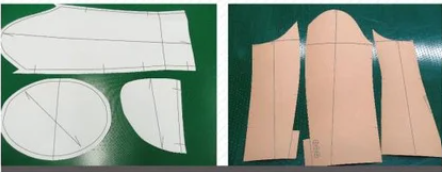
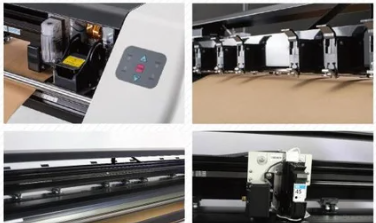

FT1209/FT1509/FT1512
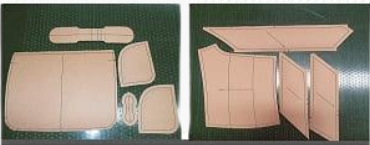


FT1209/FT1509/FT1512
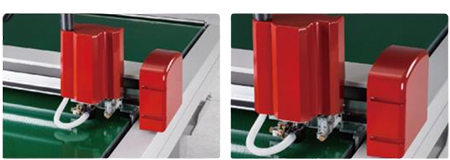
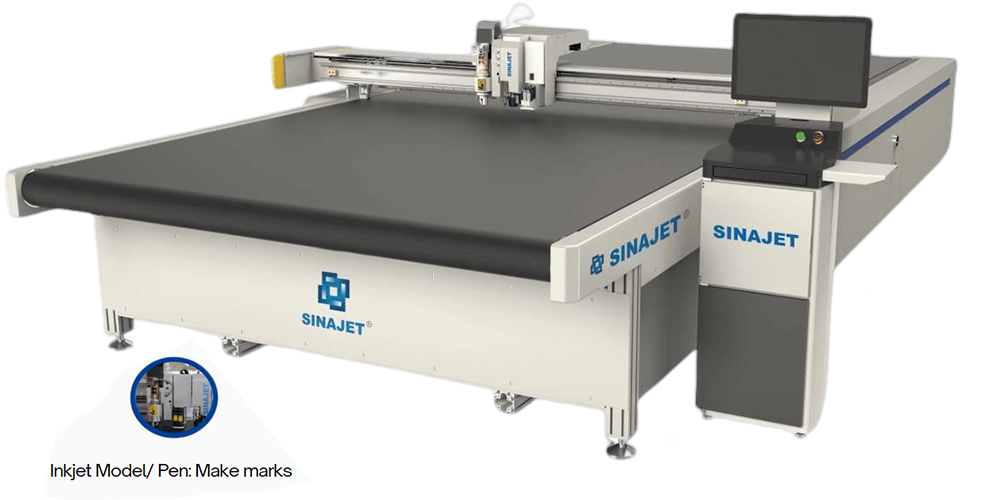


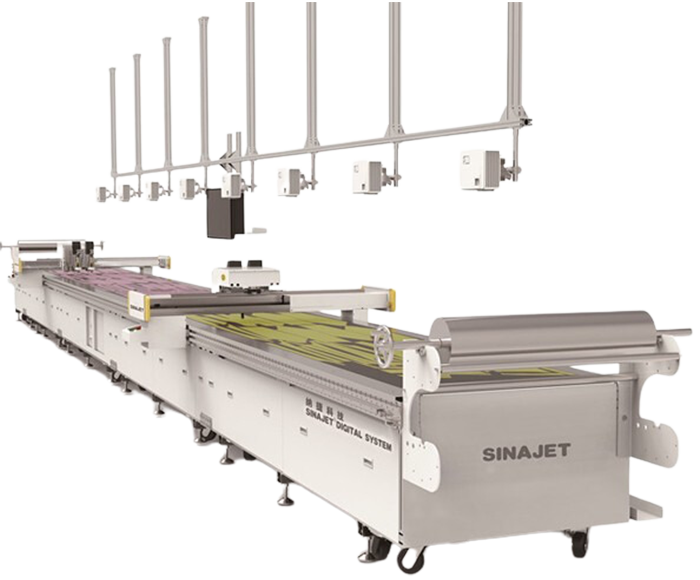

SINAJET is India's leading machine provider with

machines operating nationwide. Renowned for their durability and high quality, SINAJET machines ensure superior performance and reliability. Experience top-tier industrial machinery with SINAJET.

Distributor india