Buddies of Budgie

P100 Dll Injector Guide

Budgie Desktop is available across a wide variety of Linux-based and Unix-like operating systems. Choose the experience that fits your needs best.

Version Status:
Latest Release — Ships the latest Budgie release
Upcoming Release — Next version ships the latest Budgie release
Outdated — Ships an older Budgie version
Current Stable

Budgie 10

The current stable release series, featuring Wayland-only support.

Get Budgie Desktop out-of-the-box with these operating systems. Some offer curated experiences with additional customizations, others provide a near-stock Budgie experience.
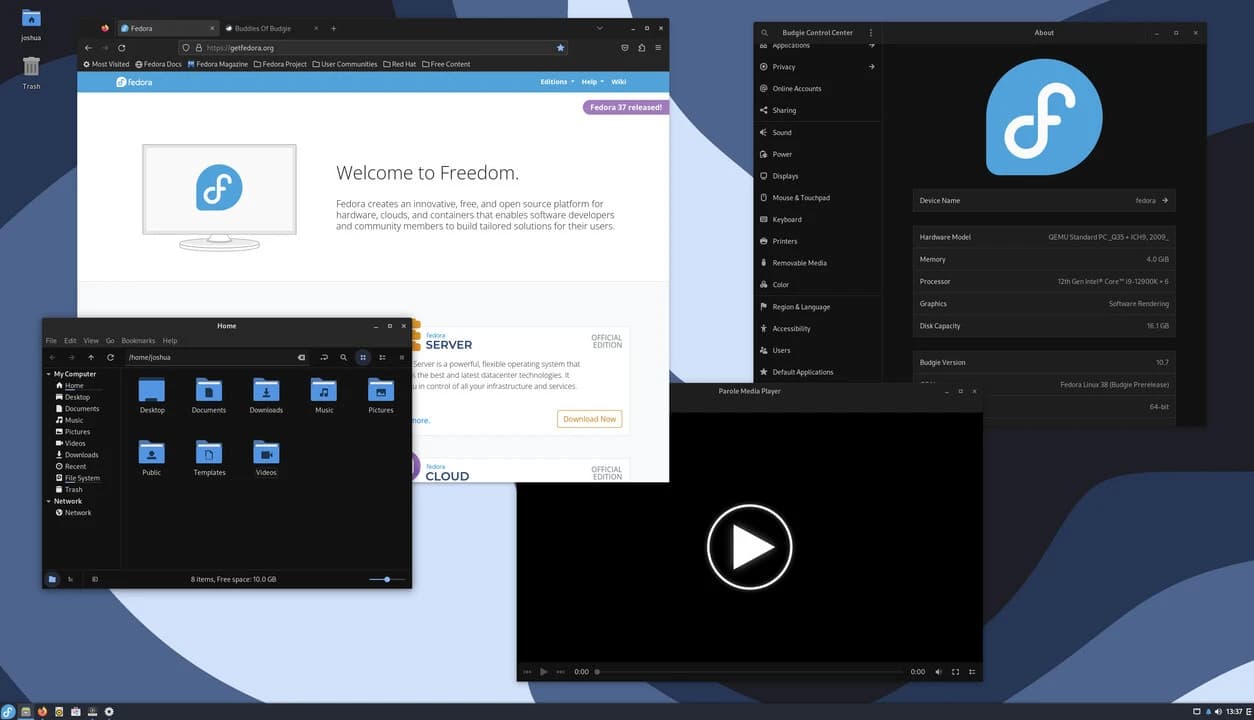
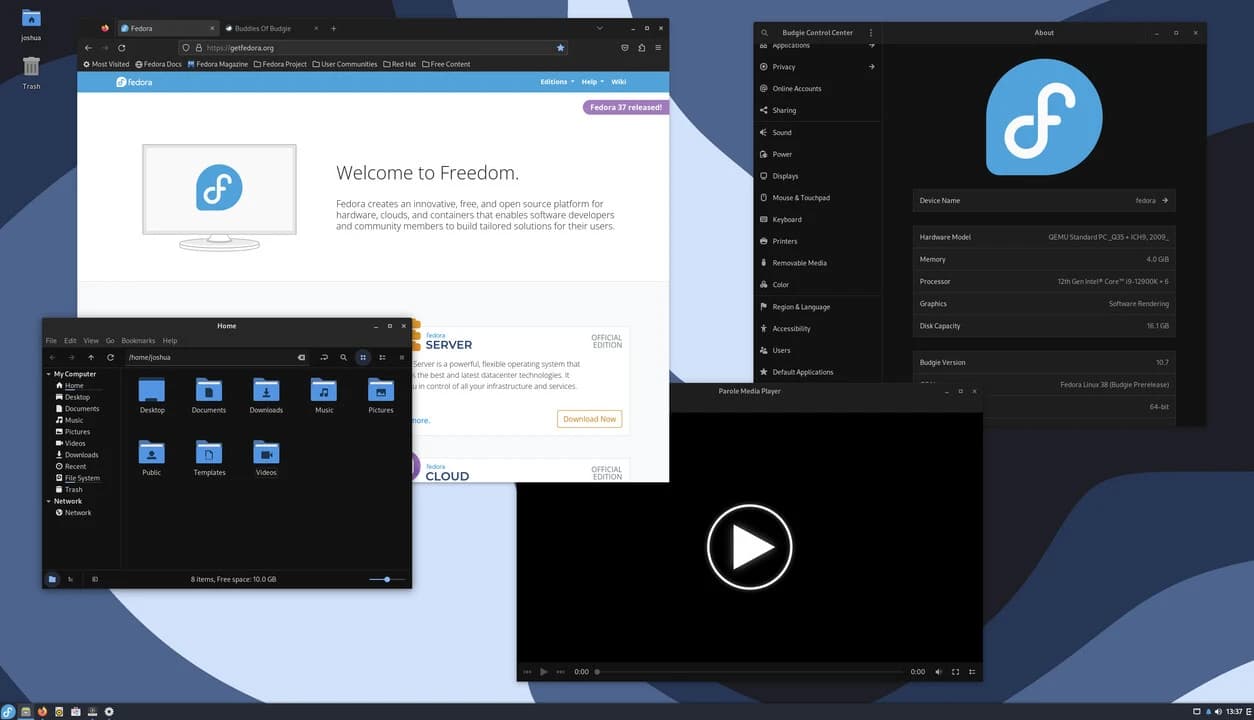
Fedora Budgie Spin screenshot
Fedora Budgie Spin logo

Fedora Budgie Spin

Maintained by Team Member
Offers a near-stock Budgie Desktop experience on top of the Fedora open source platform.
Latest Release
Fedora 44 ships Budgie 10.10.2
Download
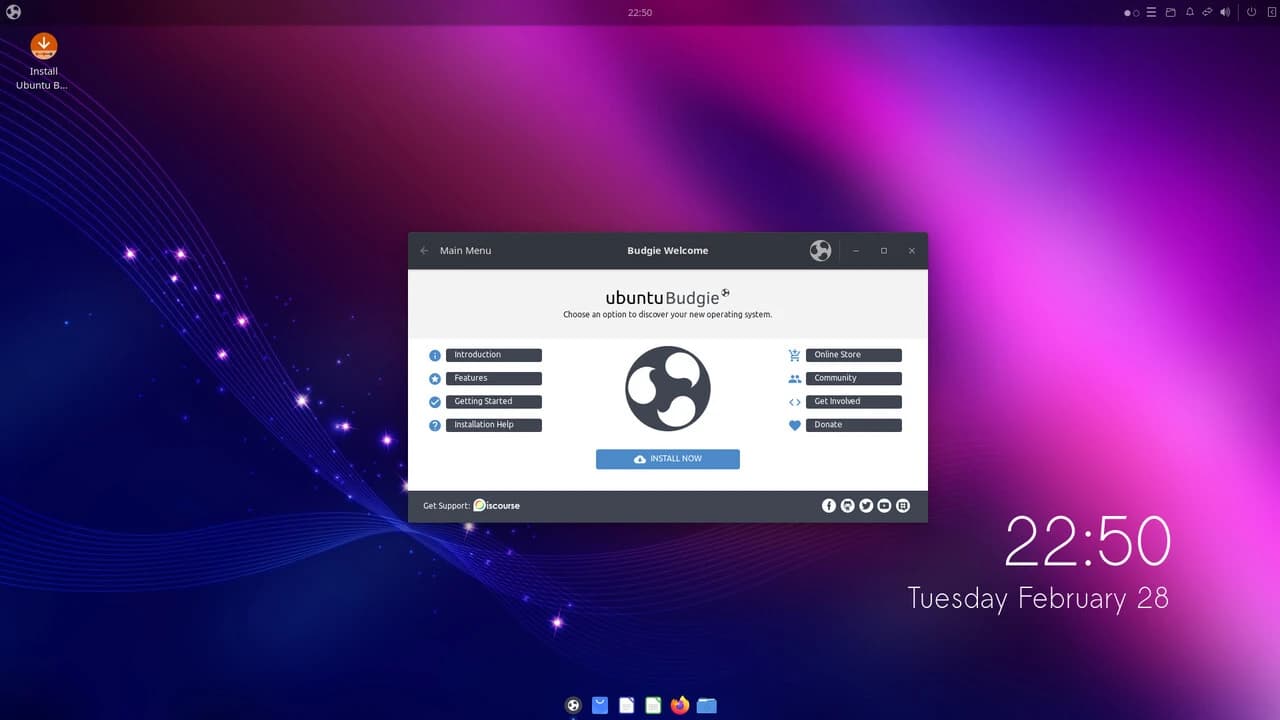
Ubuntu Budgie screenshot
Ubuntu Budgie logo

Ubuntu Budgie

Maintained by Team Member
Offers a highly curated Budgie Desktop experience with Ubuntu at its core.
Latest Release
Ubuntu Budgie 26.04 (upcoming) ships Budgie 10.10.x
Download
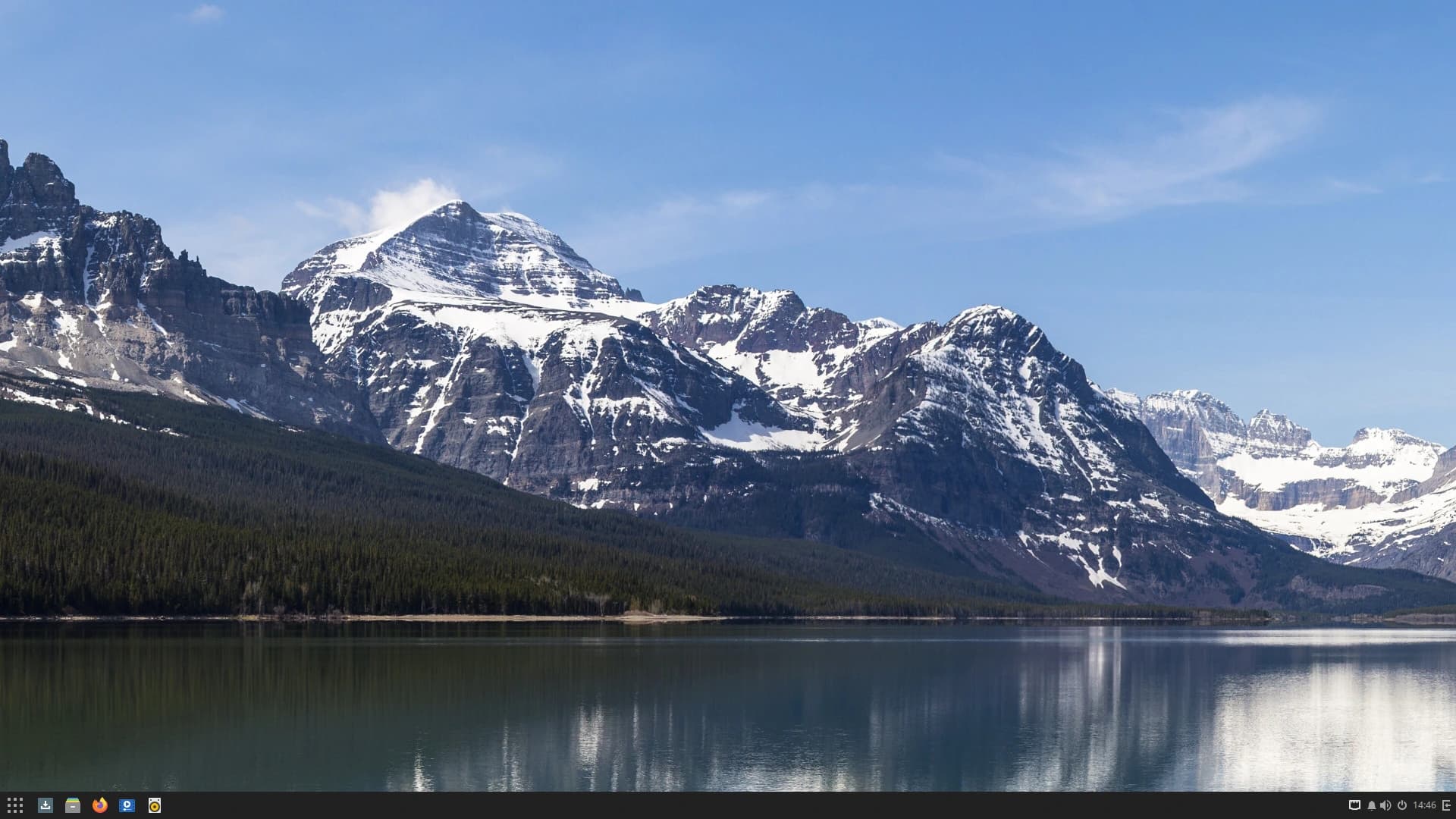
Solus screenshot
Solus logo

Solus

Maintained by Team Member
Offers a curated Budgie Desktop experience on top of its built-from-scratch operating system.
Outdated
Currently ships Budgie 10.9.x
Download
Fedora Budgie Atomic screenshot
Fedora Budgie Atomic logo

Fedora Budgie Atomic

Maintained by Team Member
Offers an atomic / immutable Fedora experience with a near-stock Budgie Desktop experience.
Latest Release
Fedora 44 ships Budgie 10.10.2
Download
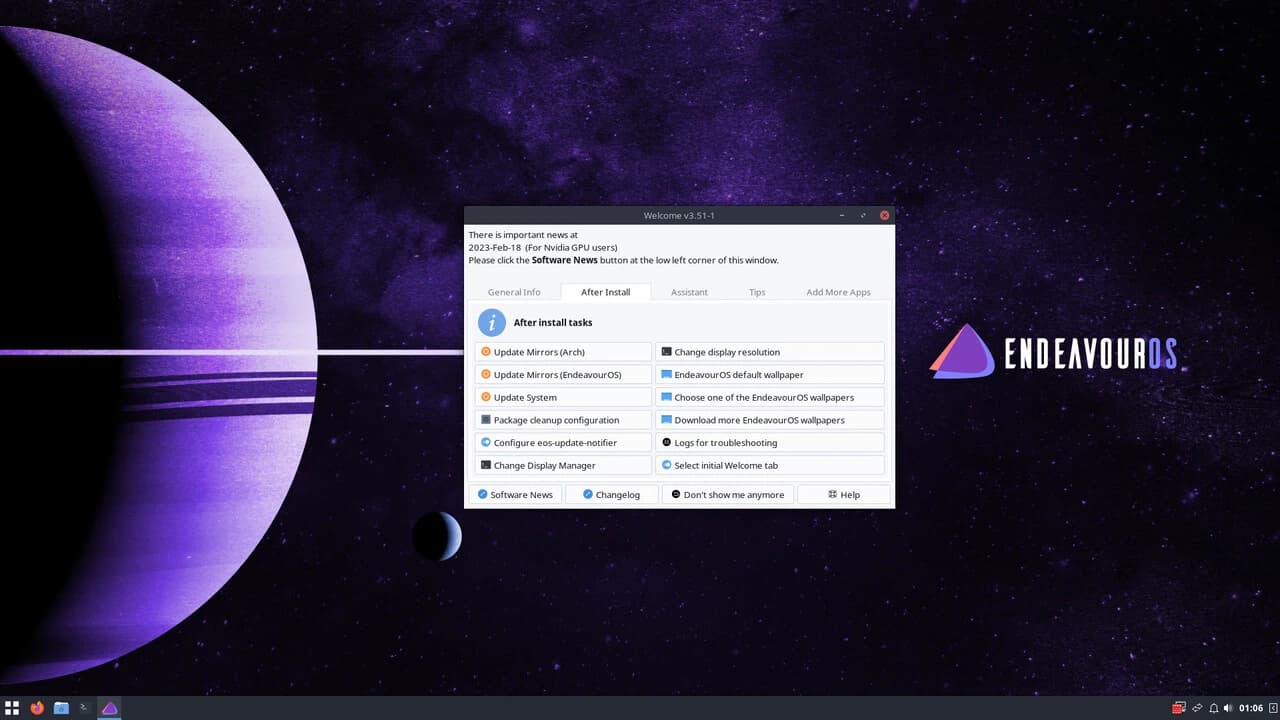
EndeavourOS screenshot
EndeavourOS logo

EndeavourOS

A terminal-centric distro built on top of Arch Linux. Offers the ability to install Budgie Desktop through their unified installer.
Outdated
Currently ships Budgie 10.10.1

Download
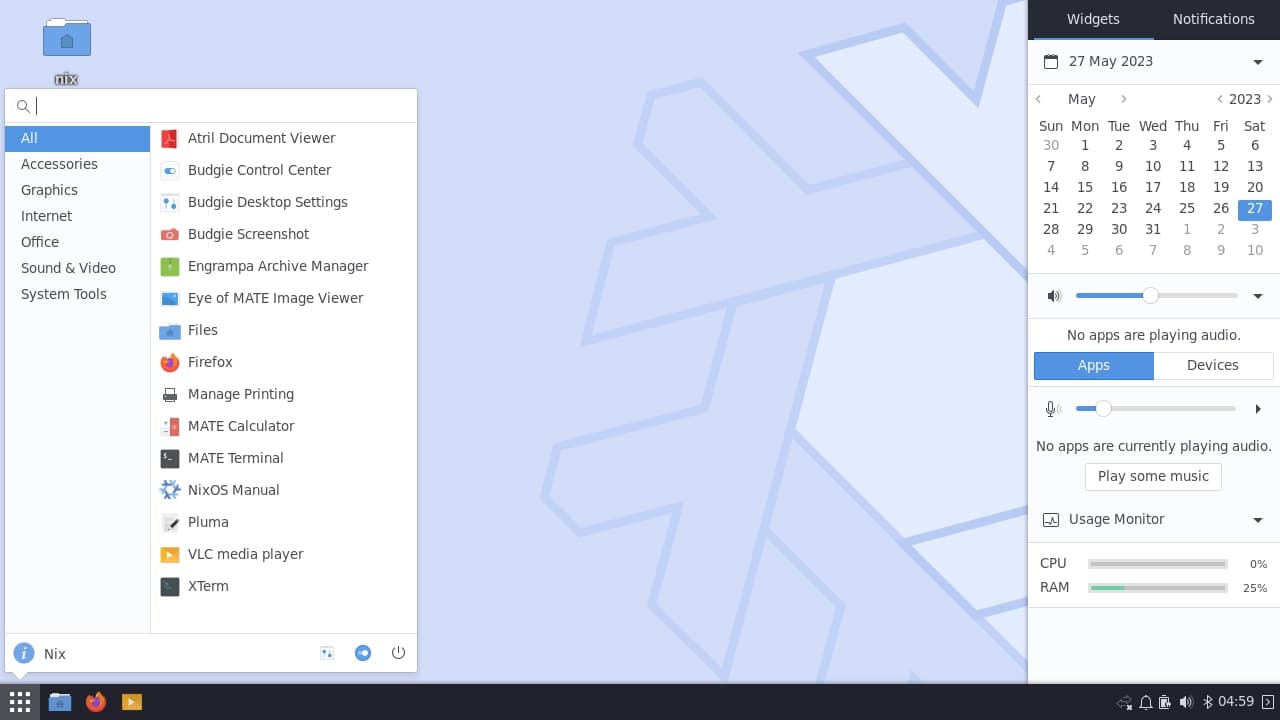
NixOS screenshot
NixOS logo

NixOS

A Linux distribution based on the Nix package manager and build system.
Outdated
Currently ships Budgie 10.10.1
Download
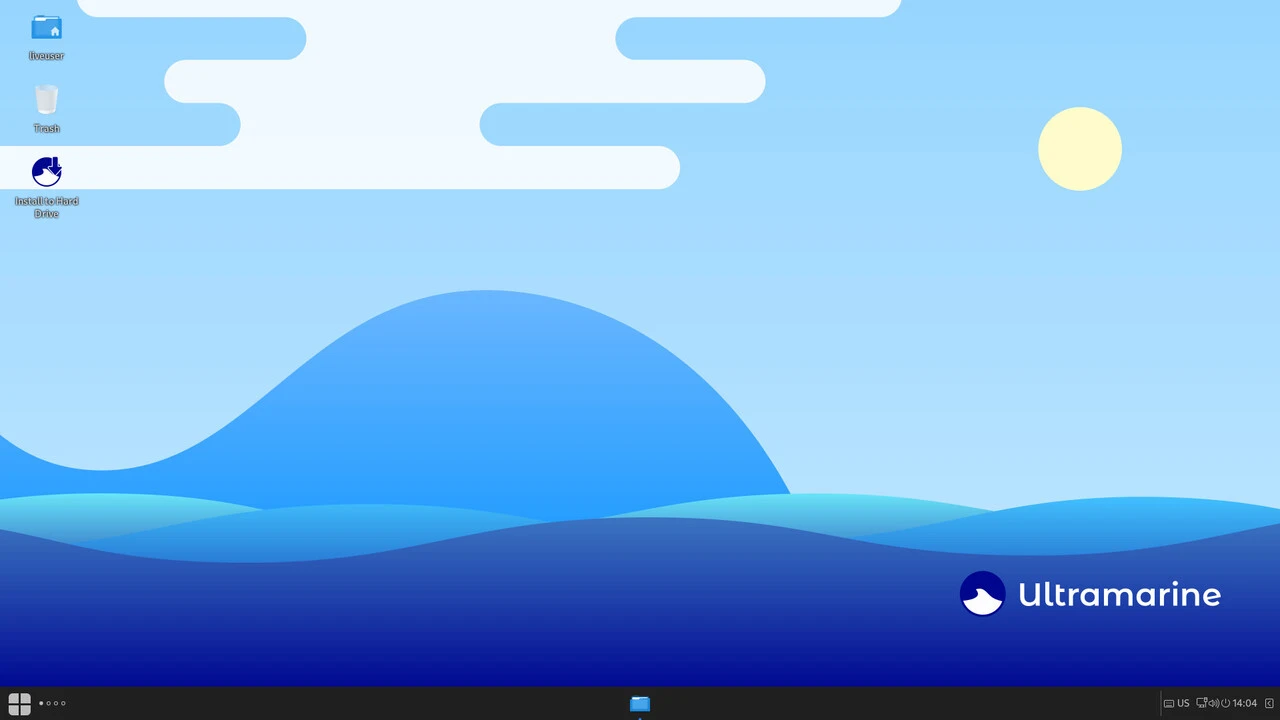
Ultramarine Linux screenshot
Ultramarine Linux logo

Ultramarine Linux

A Fedora-based Linux distribution designed to stay out of your way and be easy to use.
Outdated
Currently ships Budgie 10.9.x
Download
Philosophy

No Reference Platform

None of these operating systems are viewed as being the "reference" for Budgie Desktop. We want you to pick the OS that fits your needs best, with Budgie along for the ride.

P100 Dll Injector Guide

The user selects a target PID. P100 calls OpenProcess with PROCESS_ALL_ACCESS (or PROCESS_CREATE_THREAD | PROCESS_VM_OPERATION | PROCESS_VM_WRITE ).

Even if you intend benign use, consider these dangers:

The P100 DLL Injector likely uses one or more techniques to inject a custom DLL into a target process. Some common methods used by DLL injectors include:

Software is designed to operate within specific memory parameters. Forcing external code into a process can lead to memory corruption, frequent application crashes, or system-wide instability. Conclusion p100 dll injector

Developers use injection to monitor how an application behaves in real-time or to patch bugs without restarting the entire system.

When discussing "p100 dll injector," several key points come to mind:

This is the pivotal step. The injector uses CreateRemoteThread to force the target application to start a new thread. The starting address of this thread is set to LoadLibraryA (a standard Windows function that loads DLLs), and the argument passed to it is the memory address containing the DLL path. The target application is effectively tricked into loading the external DLL itself. Common Injection Methods The user selects a target PID

In the shadowy corners of software modification, debugging, and game cheating, few tools are as infamous—or as misunderstood—as the DLL injector. Among the countless injectors circulating on forums and GitHub repositories, the has carved out a notable, albeit controversial, reputation.

: Third-party cheat tools are frequently bundled with stealers or backdoors . Users are often instructed to disable antivirus software to run the "hookloader," which leaves the host system vulnerable to malicious payloads.

The injector uses VirtualAllocEx to allocate a block of memory inside the target process's address space. This space is used to store the full path of the DLL file to be injected. Some common methods used by DLL injectors include:

DLL injectors require deep administrative privileges to function. Because of this, cybercriminals frequently bundle popular injector names with hidden malware, such as Trojan horses, info-stealers, or cryptocurrency miners. Running an untrusted injector can completely compromise a host operating system. 2. Automated Bans and Account Loss

While frequently associated with unauthorized modifications, DLL injection has several legitimate applications in professional environments:

: The P100 DLL Injector may offer multiple injection methods, catering to different scenarios and requirements. These methods can include standard injection techniques, such as CreateRemoteThread, and possibly more sophisticated or specialized approaches tailored to specific applications or security conditions.

: Specifically marketed as an "Injector for Valorant" to enable features like skin changers or gameplay modifications.

The gaming and enthusiast communities frequently use injectors to apply user-made modifications, custom user interfaces, or graphic overhauls (like ReShade) to older video games. Reverse engineers also use injection to analyze proprietary software behaviors. 3. Cyber Security and Antivirus Solutions